How to Make a Layoo Dance Video with AI (Photo to TikTok)
 Layoo Dance AI
Step-by-step: prepare a photo, generate a Layoo dance clip with Layoo Dance AI (Seedance 2.5), download, add the song, post to TikTok.
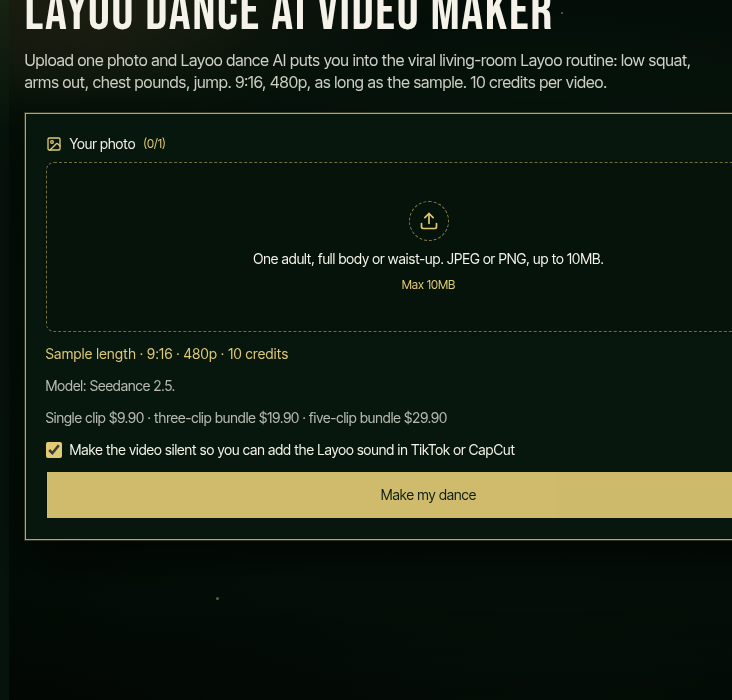
You can join the Layoo dance trend without filming a group take. Layoo Dance AI turns one clear photo into a vertical Layoo dance video with Seedance 2.5. You download the MP4, add the song yourself, then post.
Below is the full path we use on layoodanceai.com, with real UI shots from the live site.
What you need
- One adult photo (JPEG or PNG, up to 10MB)
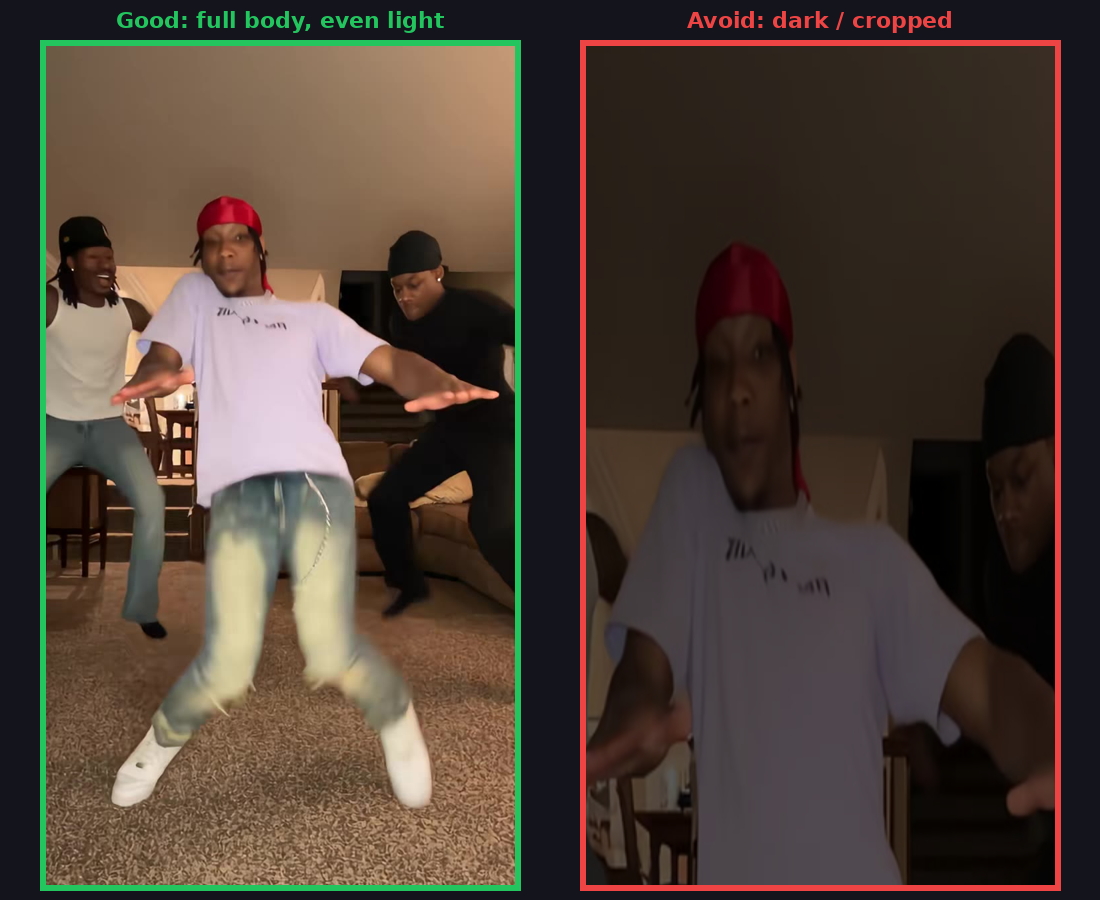
- Ideally full body or waist-up, even light, everyday clothes
- An account on Layoo Dance AI (10 credits per video)
- TikTok, Reels, or CapCut if you want the “Layoo” sound on the file
We never add the music for you. The track has mature lyrics — add it in the app and follow that app’s age rules.
Step 1 — Prepare the photo
Pick a single adult. Head and eyes should be clear. The outfit in the photo is the outfit that shows up in the dance. Skip dark glasses, heavy crop, groups, or anyone who did not agree.
Step 2 — Open Layoo Dance AI and upload
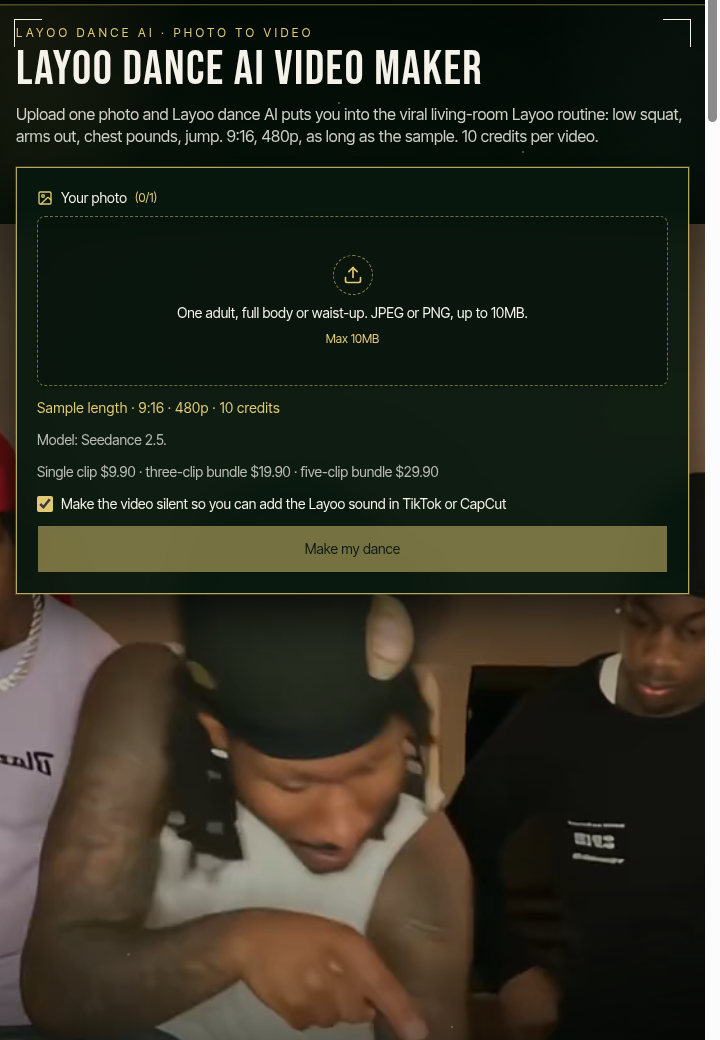
Go to https://layoodanceai.com. The homepage upload card is the generator. Drop one photo into the slot (0/1 → 1/1).
Optional: tick mute so the export is silent and ready for a TikTok track.
Step 3 — Generate with Seedance 2.5
Sign in, then press Make my dance. That spends 10 credits. There is no prompt box — Seedance 2.5 follows the Layoo sample’s moves and camera and puts the person from your photo into the routine.
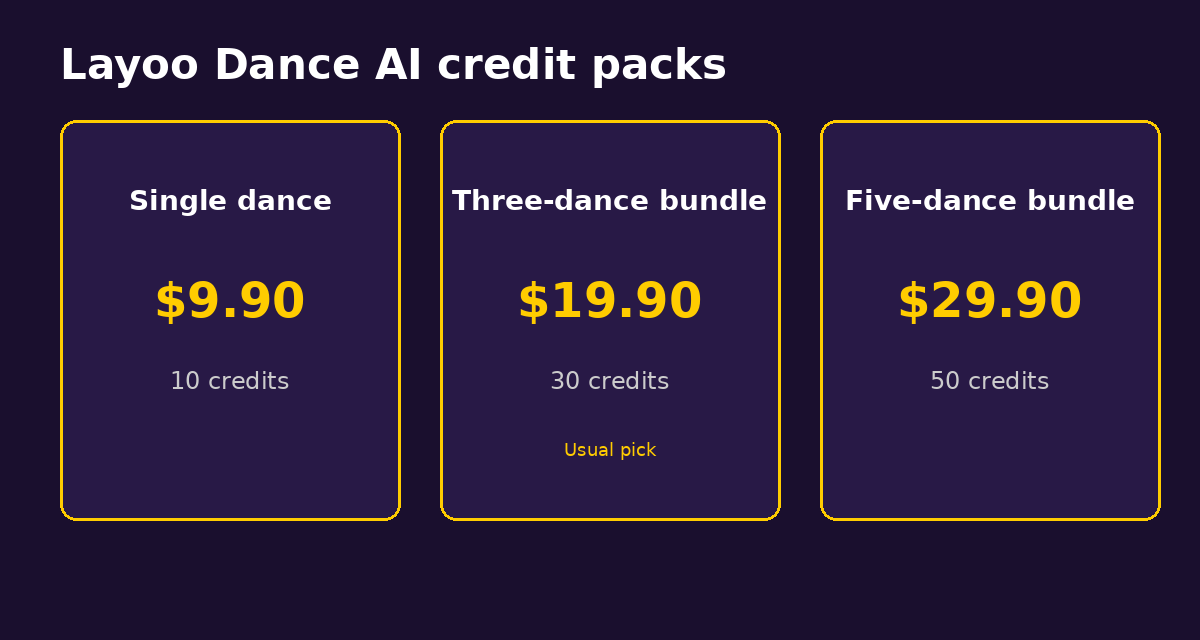
Credits: single dance $9.90, three-dance $19.90, five-dance $29.90. If the job fails, those 10 credits come back. You can leave the page; open My generations while it runs.
Step 4 — Download the MP4
When the render finishes, download the 9:16 file (480p, same length as the sample). Mark the post as AI-made if the app asks.
Step 5 — Add the Layoo sound
In TikTok (or Reels / CapCut), upload the silent or muted clip and attach the Layoo sound people are using for the trend. We do not ship the song. Respect age labels on that sound.
Step 6 — Post
Write your own caption. If the person in the photo is not you, show them the result before you publish. Upload permission is not posting permission.
Quick checklist
| Step | Action | | --- | --- | | Photo | One adult, full body if possible, good light | | Site | layoodanceai.com → upload | | Credits | 10 per video via Seedance 2.5 | | Export | 9:16 MP4 | | Sound | You add “Layoo” in the app | | Post | Label AI-made; get consent |
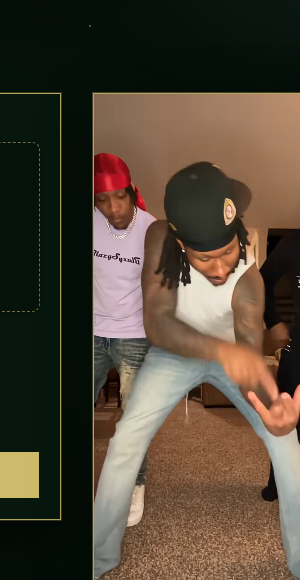
Mobile layout of the same homepage tool:
Need help? support@layoodanceai.com.